Pro Tip:
Use UXCam to track real user interactions, gestures, and crashes, turning session insights into faster, smoother, and more user-friendly apps.
.accordion-flush class. This is the first item's
accordion body.
Have you ever deleted an app because it crashed, froze, or loaded too slowly? You’re not alone. Poor app performance frustrates users, leading to quick uninstalls, negative reviews, and lost trust.
Mobile app performance is more important than ever. Consumers expect apps to be fast, smooth, and error-free. If your app doesn’t meet these expectations, users won’t wait, they’ll uninstall it without a second thought.
Since 2020, global mobile app downloads have increased by over 65%, with projections hitting 299 billion by 2025. As usage skyrockets, so do user expectations—demanding seamless performance across devices, networks, and conditions, with zero tolerance for bugs or lags.
With global app downloads projected to hit 299 billion by 2025, the market is growing by an incredible 65% since 2020. Mobile-first user preferences and the deep integration of digital habits into our daily lives fuel this expansion.
Performance testing tools help ensure your app runs smoothly under real-world conditions. They improve ratings, increase user trust, and support business goals by reducing development costs, preventing downtime, and enhancing overall app quality. Choosing the right tool is key—it should match your app’s design, size, platform, and performance objectives.
Discover reliable tools to evaluate the speed, stability, crashes, and real-time performance concerns of mobile apps.
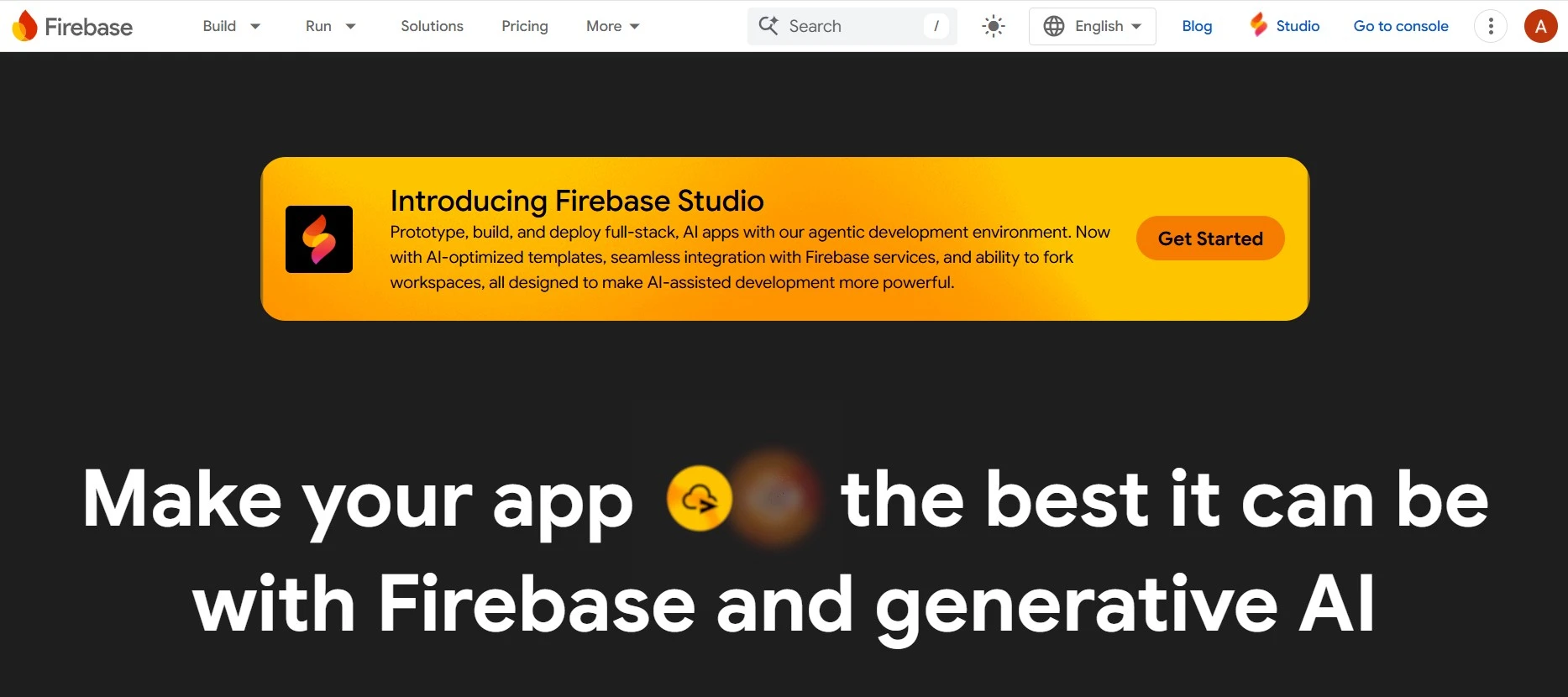
Tracks screen load delays, startup time and slow network requests by automatically recording performance sessions from real users live.
Provides alerts, in-depth trace analysis and charts for identifying performance bottlenecks in native, hybrid, or cross-platform mobile environments.
Integrates smoothly into dev stacks without adding overhead, ideal for developers needing reliable app performance testing tools.
Use Firebase to monitor real users in real time and fix performance issues before they impact your app’s experience.
.
Tracks screen load delays, startup time and slow network requests by automatically recording performance sessions from real users live.
Provides alerts, in-depth trace analysis and charts for identifying performance bottlenecks in native, hybrid, or cross-platform mobile environments.
Integrates smoothly into dev stacks without adding overhead, ideal for developers needing reliable mobile app performance testing tools.
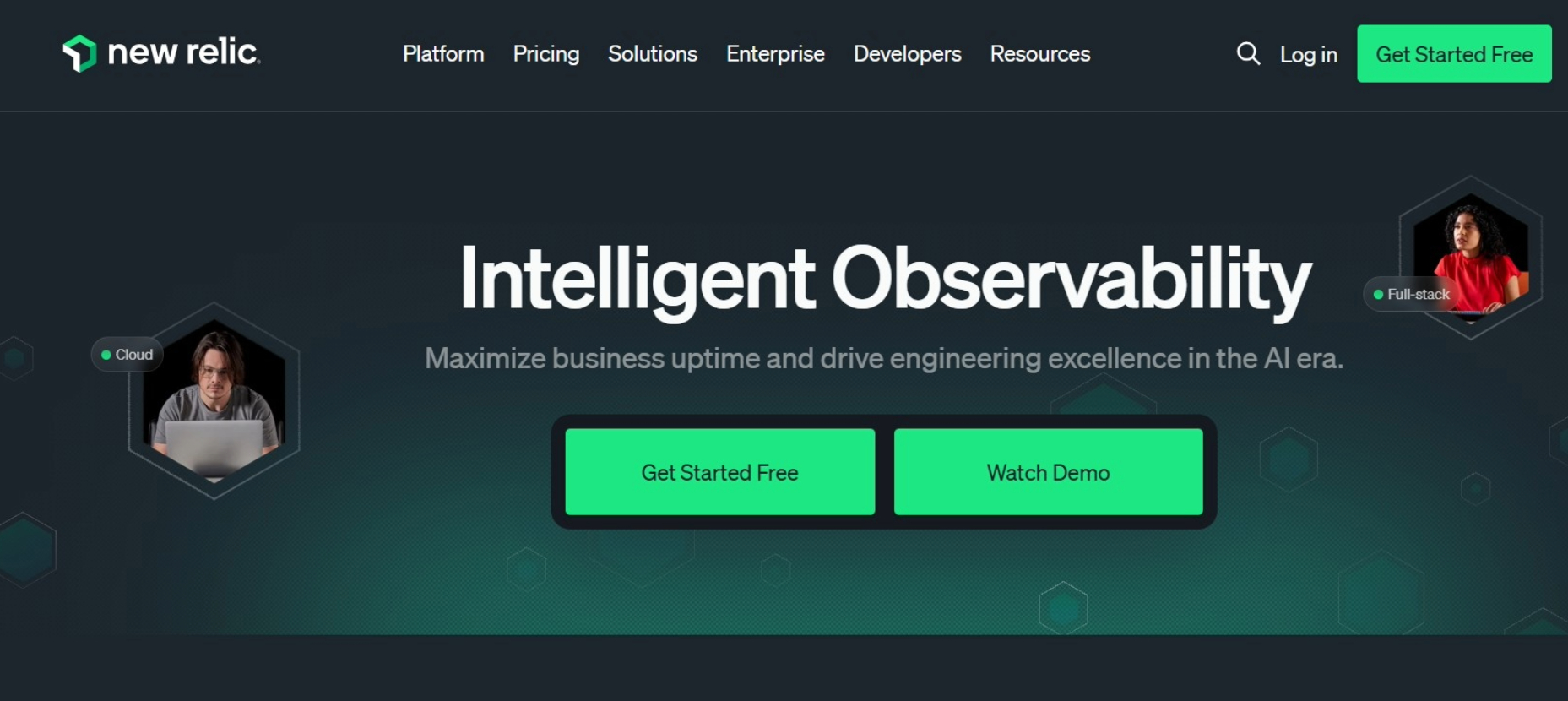
Use New Relic Mobile to catch crashes, monitor real-time sessions, and link frontend and backend metrics for faster, smarter app performance fixes.
Tracks crash frequency, transaction slowdowns and server latency using automatic correlation between mobile and backend performance paths.
Helps developers make smart updates with dashboards showing which app areas cause delays, friction, or responsiveness problems.
Stands among top mobile app performance testing tools trusted by large teams needing deep diagnostics and full-stack visibility.
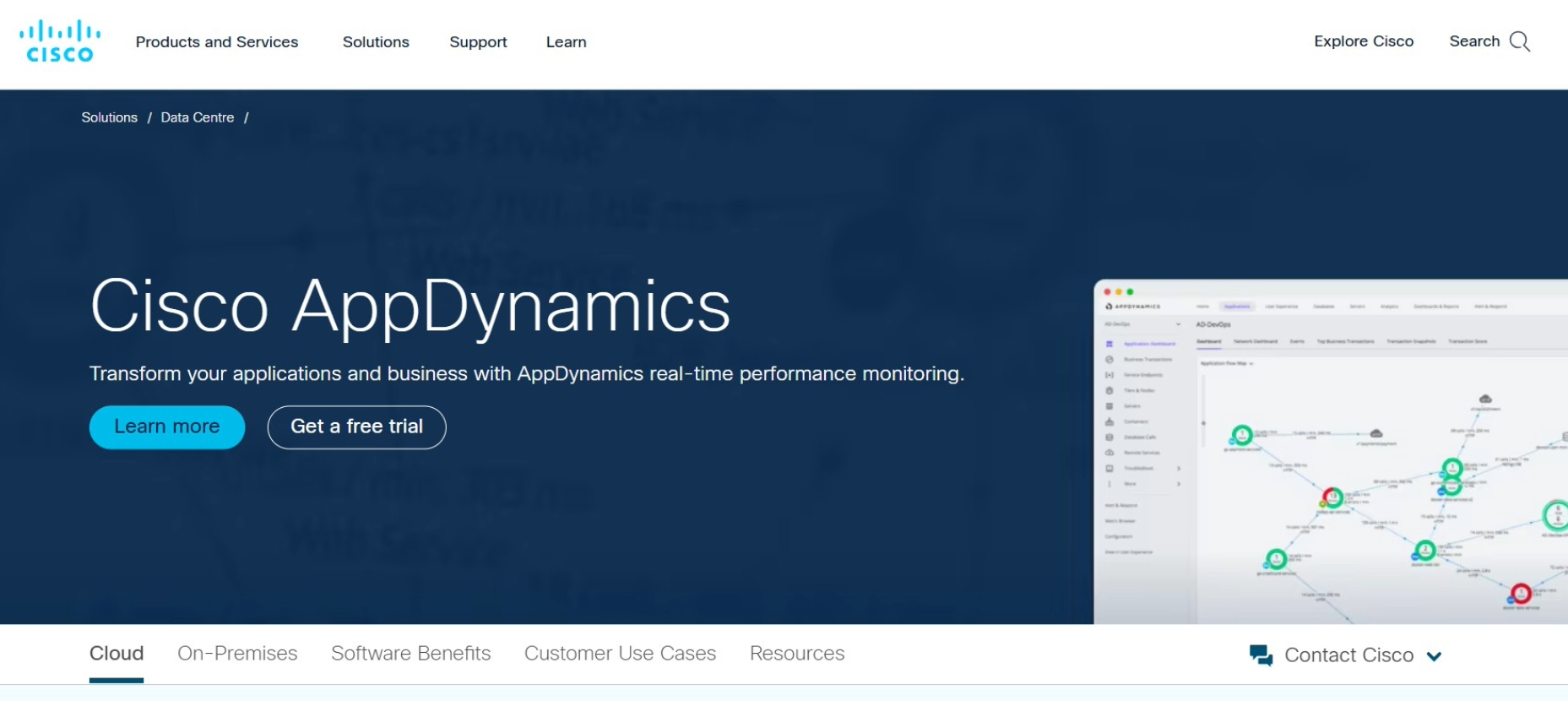
Use AppDynamics to track crashes, API issues, and backend delays in real time, ensuring smooth app performance and happier users.
Replays real user sessions, logs app behavior and tracks gestures to spot issues across different device and screen configurations.
Offers performance testing mobile app teams detailed logs and crash insights for accurate diagnosis before production rollout.
One of the few performance testing tools that support both manual testing and automated CI-based development flows.
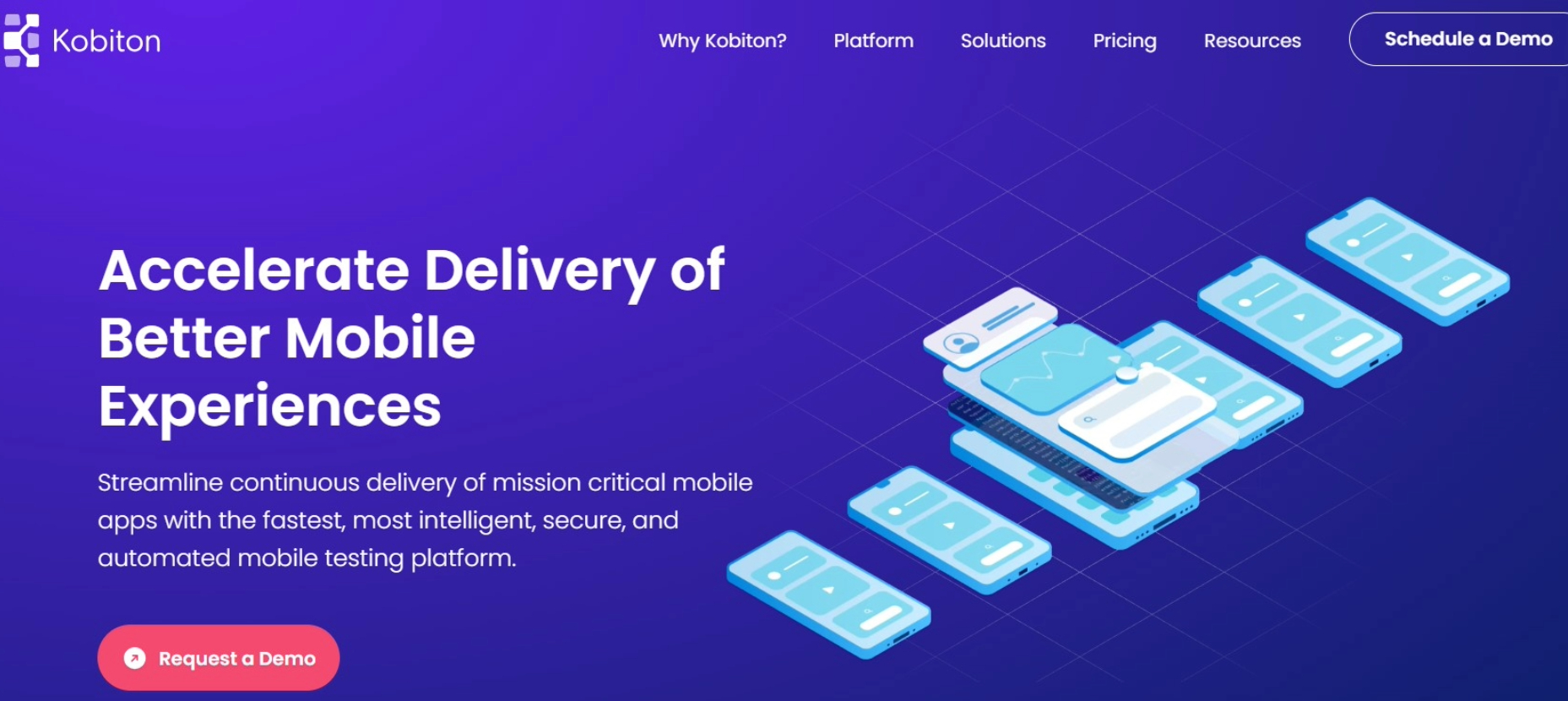
Use Kobiton to test your app on real devices with session replays and gesture tracking, ensuring reliable performance across all screens and devices.
Uses AI-driven insights to detect code level issues, performance drops and backend delays affecting mobile experience and stability.
Connects app sessions to server-level transactions automatically, ensuring accurate results without needing complex configuration or code changes.
Ranks high among app performance testing tools for proactive monitoring, fast diagnostics and development efficiency.
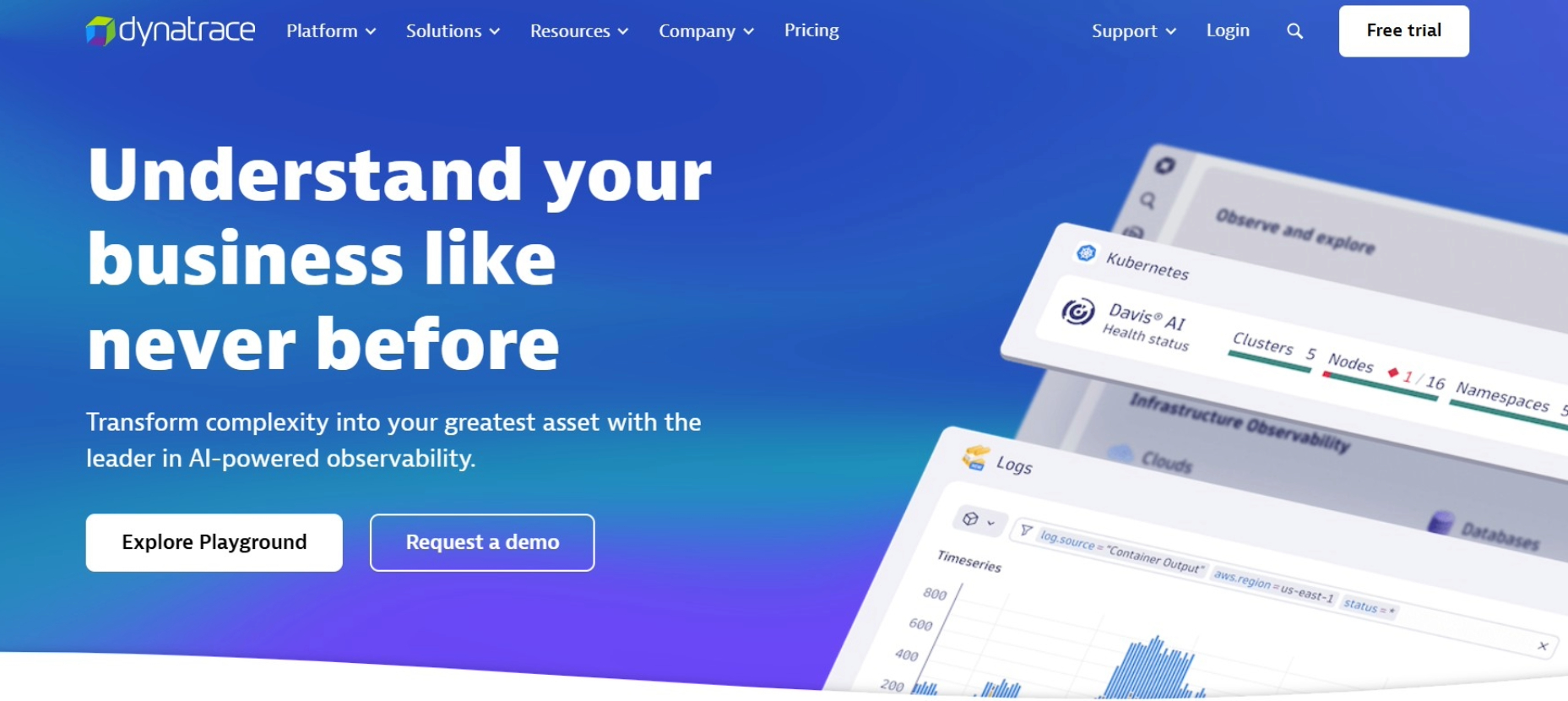
Use Dynatrace to leverage AI-powered insights and full-stack monitoring, quickly detecting frontend and backend issues to keep your app running flawlessly.
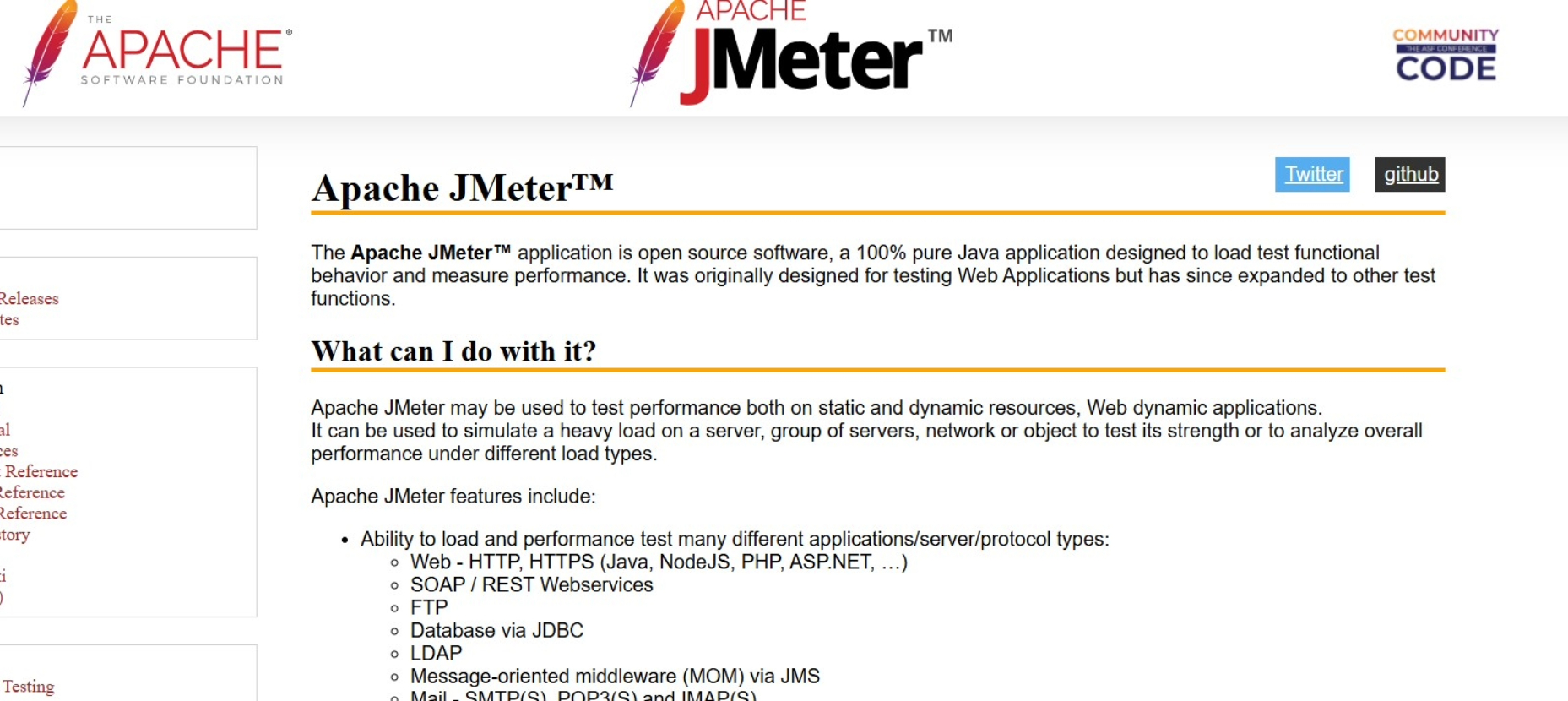
Simulates thousands of user requests across threads to measure how mobile apps perform under load or simultaneous usage spikes.
Supports custom scripts and plugins that make performance testing faster, scalable and tailored to project requirements.
Offers strong reporting and graphing tools to visualize test results clearly and helps teams act quickly on critical performance insights.
Use Apache JMeter to simulate high user loads and stress-test your app, uncovering performance limits before real users experience issues.

Records user gestures, rage taps and crashes while showing how each issue connects to actual technical performance limitations or errors.
Helps developers improve speed and usability using real-time session data from real users across different screen sizes and device types.
Ranks high among performance testing tools focused on combining performance metrics with detailed UX insights and heatmaps.
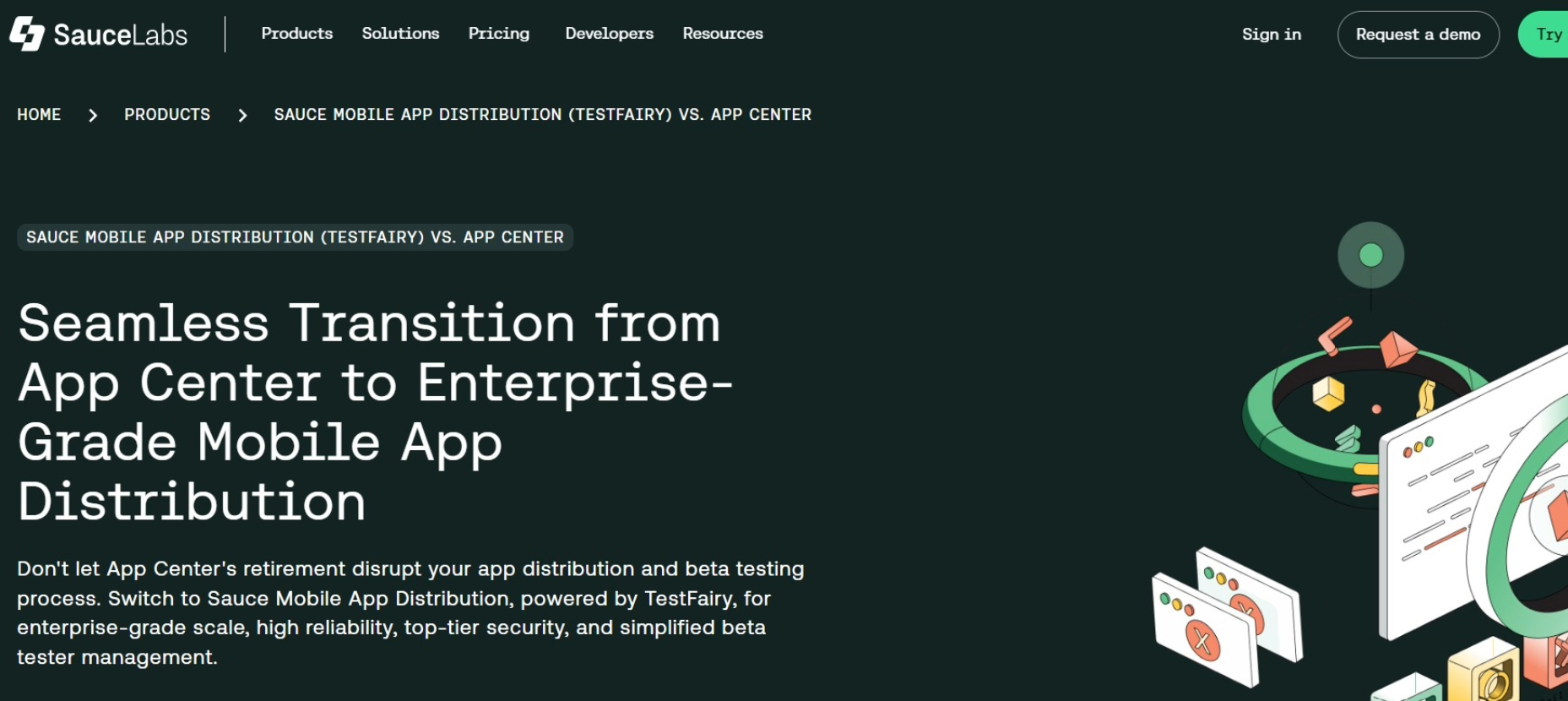
Captures screen recordings, logs and performance stats while enabling real-time feedback from testers using secure app distribution channels.
Supports crash reporting and version tracking so teams can understand how changes affect performance across different builds and devices.
One of the few app performance testing tools built specifically for collaborative testing and feedback at all development stages.
Use TestFairy to gather real user session data, crashes, and performance insights, enabling faster bug fixes and smoother app releases.
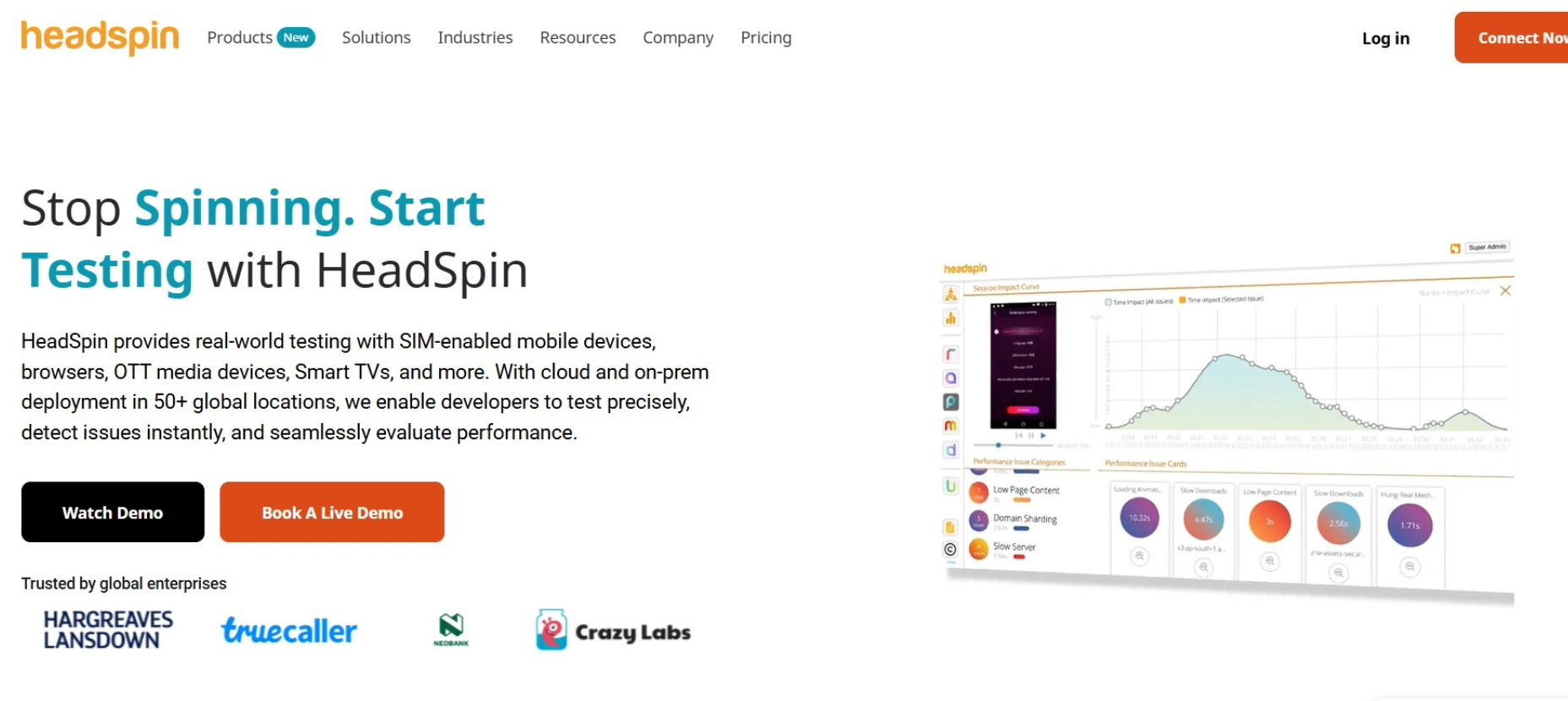
Tests on real devices from various nations to assess performance under everyday conditions, such as slow networks or outdated devices.
Gives teams access to AI-driven insights and performance scores that enable them to quickly identify bottlenecks, responsiveness and app stability.
Ranks high among performance testing tools for teams that want global testing coverage and precise live performance statistics.
Use HeadSpin to test apps on real devices worldwide, leveraging AI insights and session analytics to ensure fast, reliable performance for all users.
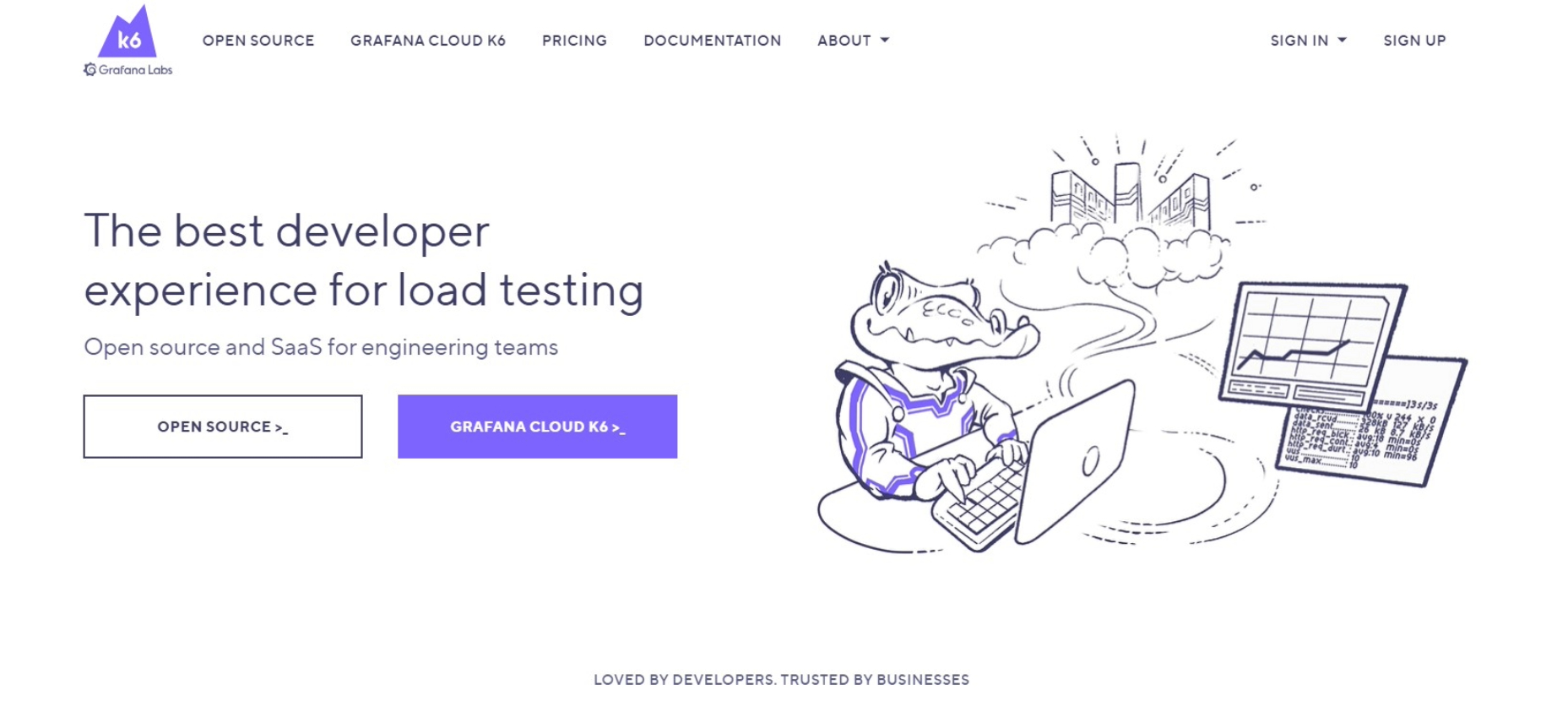
Its open source nature makes it one of the most accessible performance testing tools for technical performance audits.
Runs modern scripts to simulate users and measure app speed, helping teams detect backend slowdowns and frontend response issues fast.
Provides simple CLI support and cloud integrations that allow flexible testing without complex dashboards or third-party tool dependencies.
Works best for developers focused on automation, reliability and scalability during performance testing mobile app backend services.
The features that fit your app's requirements, scale and testing goals will determine which mobile app performance testing tool is best for you.
|
Tool Name |
Real-time Monitoring |
Device Lab Availability |
Session Replay |
Free Tier |
|
Firebase |
Yes |
Limited (Virtual) |
No |
Yes |
|
New Relic Mobile |
Yes |
No |
No |
Yes (Limited) |
|
AppDynamics |
Yes |
No |
No |
No |
|
Kobiton |
Yes |
Yes (Real Devices) |
Yes |
Yes (Trial) |
|
Dynatrace |
Yes |
No |
No |
No |
|
Apache JMeter |
No |
No |
No |
Yes (Open Source) |
|
UXCam |
Yes |
No |
Yes |
Yes |
|
TestFairy |
Yes |
Yes |
Yes |
Yes |
|
HeadSpin |
Yes |
Yes |
Yes |
No |
|
K6 |
No |
No |
No |
Yes (Open Source) |
Use this table to compare what matters most when selecting a performance testing tool for your project.
A good performance testing tool should give full visibility into your app:
Real-time monitoring: Shows network issues, load times, and backend delays as they happen.
Session replay: Helps understand why crashes, freezes, or lag occur.
Device and OS coverage: Tests on a variety of devices, screen sizes, and network conditions.
Choose a tool that works well with your app’s framework, backend, and CI/CD system. It should integrate easily with your existing tools so your team can test and fix issues efficiently.
The tool should support both iOS and Android, as well as web, hybrid, or native apps. Make sure it can handle growth as your app and user base expand.
Mobile apps that load slowly, break frequently, or respond poorly can be uninstalled. Users uninstall apps when performance breaks their trust. That’s why every business must invest in mobile app performance testing tools to ensure speed, reliability and better user experience always.
These tools solve deep issues, monitor in real time and help teams fix slowdowns before users even notice a single glitch. Performance testing mobile app systems helps you reduce churn, improve ratings and drive better retention, growth and long-term revenue from users.
Testing isn’t just about bugs. It’s about protecting brand trust, staying competitive and delivering smooth experiences across every platform and screen.
If you want to add your own performance testing strategy then partner with UrApp Tech today.